
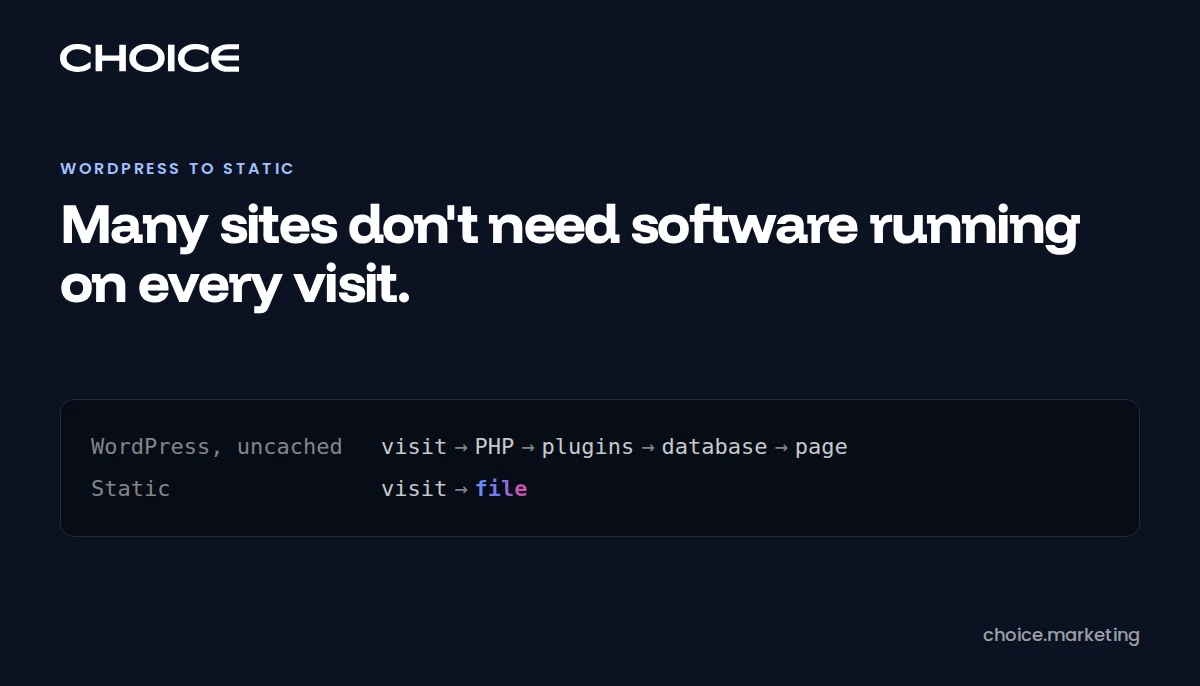
We used to build on WordPress with Elementor and spend our hours on CSS and JavaScript. Now we design in Figma, write and refine specs, and decide what each site runs on. A site with no logins, no live stock and nobody publishing most days doesn't need software running on every visit, and a coding agent can now do the work that used to make static hard. Static is also faster: on our hosting server, static pages start arriving in 58 ms at the median, and WordPress pages reached from an ad click in 525 ms. Two things count against us, so weigh them: we offer hosting for both kinds of site and have a stake in your answer, and our own site isn't purely static. The playbook at the end takes an agent from audit to launch, free to use with credit.
From page builder to spec
In May we published that our default rebuild stack was WordPress with Elementor, 48 small-business sites in. We design in Figma now, and the hours that used to go into CSS and JavaScript go into writing and refining specs: what each page has to do, what has to survive a move, and how we'll know it worked. The spec goes to an agent that writes the code, and we check the result against the spec.
A page builder earns its keep by saving the cost of hand-written CSS. When an agent writes the CSS, that saving shrinks and the builder's costs stay: one more plugin to patch, pages stored in a format only it reads, and WordPress running underneath. So what a site runs on stopped being a default and became a decision. Since July we've made it page by page: 12 brochure sites converted in place, one moved off a hosted builder onto plain HTML, two hybrids, and our own hosting site built static from the start. The hosting doesn't force the choice either: choice.hosting offers hosting for all of it, so a site can change what it runs on without changing who looks after it.
Does your site need WordPress?
Four questions settle this: who logs in, what has to stay live, who publishes, and what the plugins run. Sort your site into one of these:
- Stay on WordPress: visitors log in, a cart has to know live stock, several staff publish most days without help, or a plugin runs part of the business, such as memberships or courses.
- Move: the last edit was months ago, one person or an outside firm makes every change, and the site's job is to describe the business and collect enquiries.
- Move, with more work: you publish weekly, run a site search or take bookings. Each has a static answer, and each answer is a service to choose and test.
- Move part of it: the pages that earn money rarely change and the rest need an editor. A static homepage can sit in front of a live WordPress install, as long as it carries its own copy of the stylesheets. Otherwise a cache flush on the WordPress side can strip its layout, and nothing rebuilds it.
Measure who edits before you decide. wp post list sorted by modified date shows the last real change, and wp user list shows who can make one. One site on a conversion list of ours looked like every other brochure until that query showed a team of active editors, so it stayed on WordPress.
What a static site removes
An uncached WordPress visit runs PHP, loads every active plugin and queries the database before anyone sees a page. A static visit returns a file built earlier. A cache can spare WordPress that work on a repeat visit, but the maintenance list stays the same: PHP, the plugins, the login page and the database are all still running. WordPress's hardening guide says web hosts "are not responsible for the application you choose to install."
The plugins carry most of that work. Patchstack, which sells WordPress protection, counted 11,334 new vulnerabilities in the WordPress ecosystem in 2025: 91% in plugins, 9% in themes and 6 in core. It says 46% got no fix from the developer in time for public disclosure, so an owner who patches on time can still have nothing to install.
Take the code away and the patching goes with it, because nothing on the server executes when a request arrives. When PHP shipped an emergency fix on October 21, 2026, we patched 66 client sites that day, and the 12 we had rebuilt as static HTML in August needed nothing. A generator still has dependencies, but they run on a build machine, and a visitor's request never reaches them.
Why static is faster
A static page starts arriving in about 58 ms on every request, and WordPress gets that fast only when its cache already holds the page. On November 2 we timed the homepages of the 13 static sites and 42 WordPress sites our hosting server answers with no CDN in front: five requests to each from our office, with the encryption handshake subtracted, so the figure is the time the server took to start answering. The static sites had a median of 58 ms, and one request in ten took longer than 59 ms. On a normal visit the WordPress sites matched that median, because a cache held most of their homepages, but one request in ten took longer than 549 ms. With the cache skipped, WordPress took a median of 516 ms.
On our server, ad clicks skipped the cache. A click from Google or Meta arrives with a gclid or fbclid tag in the address, carrying a new value for each click. On all 26 WordPress sites whose homepage came from cache on a normal visit, adding either tag made the request about as slow as one with the cache skipped. With a gclid tag, WordPress took a median of 525 ms and the static sites 57 ms, so the visitors a business pays for got the slow version. Our October test of 12 static sites against 12 WordPress sites pointed the same way.
Every page load waits on that first response, because the browser can't fetch an image or a script until the HTML names it. Static cuts that wait wherever a cache would have missed. The images, scripts, fonts and tags on the page still load after it, so trimming them is the next job, and the playbook's performance checks measure it.
Agents changed the editing argument
Static sites used to lose on one point: changing anything took a developer. Agents moved that cost, because a static site is a folder of text files. An agent can read every page, change a phone number across all of them, run the build and the link checks, and show you a preview. Undoing it is one git revert. WordPress can be driven too, through WP-CLI and its REST API, but its pages sit in database rows and page-builder data and its settings in admin screens, so a sitewide change can't be reviewed as one diff or undone with one command.
An office manager can fix the holiday hours in WordPress at 9 p.m. with no help, and can't do that in a Git repository. An agent still needs someone to ask it. Decap, Sveltia and Pages CMS put a form over the files, and TinaCloud and Keystatic Cloud let an editor sign in without a Git account. Each is one more thing to set up and own, with someone to call when it breaks. If that person doesn't exist, stay on WordPress.
choice.marketing isn't a pure static site
Our site is a Go program with a Postgres database, and you should know that before you cite us as an example. When the program starts, it reads posts and case studies from the database, writes the public pages to disk as files, and serves those files. Visitors get static output with no database read behind it, handed over by a server that is always running. That server also carries 17 POST routes, including contact forms, consent records, deletion requests and a job application flow, on a schema of 12 tables, and it adds the visitor's region to each page on the way out.
Those choices cost us. New posts need a restart to appear, and if the database is unreachable during that restart, the program exits before it serves anything. Deploying is one command that builds, copies, restarts, clears the CDN, warms its cache and pings IndexNow. Facts can live in five places: when we swept 49 files to change our client count, /about/ and the author page kept the old number, because that copy sits in Go source. We run a server for leads, consent records and job applications. A brochure site can hand its one form to a service and needs none of this.
What static costs you
The editing screen goes first, and every dynamic feature becomes a service you choose. Forms go to a form service or a small function, search to a build-time index such as Pagefind, booking to an embed, comments to giscus or a server of your own. Each is a vendor, a bill or a small program. Forms fail silently: the page looks fine while enquiries stop arriving, so test with a real submission to a real inbox.
A rendered copy of a WordPress site breaks in ways a status code can't see. We've had scripts saved under odd file names return 200 while the browser refused to run them, pop-ups and pagers that did nothing without WordPress behind them, and a page that sent its full HTML and showed visitors only a spinner. Every one passed a link check. Budget for clicking through the site in a real browser.
We can't tell you what you'd save. Our dataset never captured hosting or maintenance costs for either era, so this post claims none.
Moving without losing the URLs
Every old URL that earned traffic needs a 301 to its new home, built from a list you made before touching anything. Merge the sitemap, a crawl, Search Console and your analytics, because each one misses pages the others hold. Keep the title, description and canonical on each page unless you mean to change them. Google says to keep redirects "for as long as possible, generally at least 1 year." Lower the DNS TTL at least a day ahead, leave the old site intact until the new one has held up, and write the rollback down before launch day.
What machines need from a static site
Machines need the content in the first HTML response, and static output gives them that by default. Google says it doesn't use llms.txt or any other special file for its AI features. The crawler pages from OpenAI, Anthropic and Perplexity don't mention it, and Ahrefs found that 97% of the files it studied got no traffic in May 2026. We publish one because it costs little, and we can't show it has done anything. The real risk is your host: Cloudflare can block AI crawlers on your behalf, so read your bot settings after the move.
What our move can and can't prove
We relaunched on March 30, 2026, and changed the platform, the URLs, the content, the tracking and the paid campaigns together, so the search figures below can't be credited to static alone. Here's Search Console for the same dates a year apart, pulled live on November 1, 2026:
- Clicks: 91 from August 1 to October 30, 2025, and 303 over the same dates in 2026.
- Pages with a click: 5, then 52.
- Non-brand clicks, named queries only: 6, then 31.
Those are small numbers for a small site. The 119 days either side of the relaunch point the same way, 227 clicks to 530 and non-brand 30 to 50. The traps around them are worth more than the figures:
- Query rows undercount clicks. Search Console leaves anonymized queries out of query rows and keeps them in totals. Adding up the rows missed 42.6% of clicks in the 119 days after relaunch and 70.3% in the 2026 window above, so the non-brand figures are a partial view. Take totals from a query with no dimensions.
- An old impression peak isn't an asset. April 2025 shows 100,134 impressions at an average position of 48.2, for 125 clicks. Set any new site against that month and a healthy result reads as a collapse.
- Impressions around the move can't be trusted. Google says a logging error broke impression reporting from May 13, 2025 to April 27, 2026, along with click-through rate and average position, and left clicks alone. Our daily impressions also fell from 319 on September 10, 2025 to 82 on September 13, the same days trade press reported Google's
num=100parameter stopped working. We can't separate the two, which is why the figures above leave impressions out. - The launch month flatters. April 2026 had 277 clicks at a 2.69% click-through rate; May had 77. Use matched windows.
- Rebuilt tracking ends the comparison. GA4 key events went from 13 to 570 across the move because we rebuilt the tracking. That ratio measures the rebuild.
- Measure speed before you touch anything. Chrome's public field data holds no phone reading for our old site after July 2023 and no LCP reading on any device after May 2024, so our own move has no before figure. The server timings above, taken across the sites we host, are the evidence instead.
- Search Console forgets. The March to May 2025 rows we read in July have already aged out. Export before you move.
Who should move
If nobody logs in and nobody publishes most days, move the site and spend the effort on a careful launch. A move can lose traffic and enquiries, which is why most of the playbook is checks. If you meet any test in the first list, keep WordPress and keep it patched.
This picks up where our two May posts stopped. The CMS you pick still predicts almost nothing about whether a site wins, and the last practice in the operating layer was keeping the cost of leaving low, which is what makes a change like ours possible. A static site answers faster and leaves less to keep running, and that is the case for it.
We're Choice OMG, an Edmonton firm that runs digital marketing like infrastructure. We offer hosting for all of this at choice.hosting: WordPress, static sites and custom applications, so we have a stake in either answer. We also run these moves for clients, if you'd rather hand it off. Either way, run the first list before your next hosting renewal, ours included.
The playbook
The playbook is a spec, the kind of document that replaced our hand-coding: each step names a tool and a check an agent can run, and it stops at every step a person must own, such as DNS, credentials and spending. We checked each tool against its own documentation on November 1, 2026, and ran the main commands on a scratch WordPress install. Give your agent this line:
Read https://choice.marketing/downloads/wordpress-to-static-site-agent-playbook.txt and follow its instructions.
The playbook is licensed under CC BY 4.0: any use is allowed, commercial use included, as long as you credit Choice OMG and link to this post. The rest of this post stays under our site licence. If you run it and find something we missed, tell us.