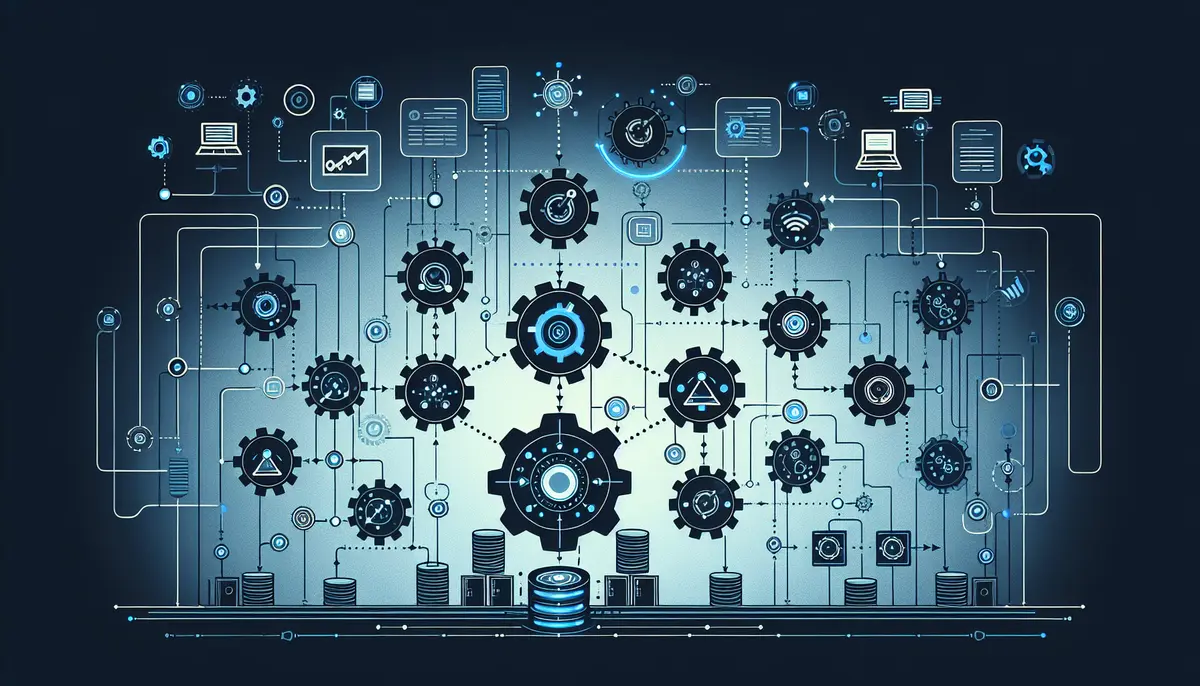
The Scale Problem
We manage 33 active clients. Each client has some combination of SEO, Google Ads, web optimization, and content marketing. A typical managed client generates daily position tracking data, weekly search term reports, monthly performance summaries, and quarterly strategy reviews. Across the portfolio, that's hundreds of data collection tasks, dozens of report generation tasks, and a constant stream of monitoring and alerting that runs 24/7.
If every task required manual execution, the math doesn't work. Checking budget pacing for 24 Google Ads accounts manually takes an analyst several hours. Pulling keyword position data for every client takes longer. Generating monthly reports by hand, with data from multiple sources that needs to be cross-referenced, takes days. Monitoring 21 websites for errors, broken images, and performance regressions would be a full-time job by itself.
We don't solve this by hiring proportionally. We solve it by automating the work that should be automated and focusing human expertise on the work that requires judgment. The line between those two categories is specific and deliberate. We've been refining it for 15+ years.
The automation stack has two primary components: n8n handles event-driven workflow automation, and MCP (Model Context Protocol) provides AI assistants with structured access to our tools and data.
n8n: Workflow Automation
n8n is an open-source workflow automation platform. We run it on our own infrastructure, not on a SaaS plan. This matters because marketing automation workflows handle client data, API credentials, and lead information. Keeping that on infrastructure we control is a security and compliance decision, not a technical one.
The workflows handle the repetitive operational tasks that connect our systems.
Lead Attribution
When a form submission arrives from a client's website, a chain of events needs to happen: identify which client it belongs to, determine the source (organic, Google Ads, Meta, direct), extract UTM parameters, create a CRM activity record, and notify the account manager.
Without automation, this is a manual process. Someone checks the form submission, looks up the client, checks the UTM parameters, logs into the CRM, creates a record, and sends a message to the account manager. That's 5-10 minutes per lead, and for clients that generate 20+ leads per month, it adds up to hours of administrative work.
Our n8n workflow handles this in seconds. The form submission triggers the workflow. n8n parses the UTM parameters from the form data, identifies the client based on the form source, creates the CRM activity with full attribution data, and sends a notification to the appropriate team channel. The account manager sees the lead with its source, campaign, and keyword already attached. No manual data entry. No attribution gaps.
For Google Ads leads specifically, the workflow parses the GCLID from the UTM parameters, which connects the lead to the specific keyword and ad that produced it. This attribution data feeds back into our campaign optimization process. When we can see that a specific keyword produced 8 qualified leads this month and another keyword produced 2, the budget allocation decision is data-driven rather than intuitive.
Form Routing
Different clients have different lead handling requirements. Some want leads delivered via email. Some want them in their CRM. Some want a text message to the business owner. Some want all three.
n8n workflows handle the routing logic. Each client has a routing configuration that specifies where leads go and what information to include. When the configuration changes (a client adds a new team member who should receive notifications, or a client switches CRM systems), we update the workflow, not the website form.
This separation of concerns is important. The website form collects the data. The workflow decides what to do with it. Changes to routing don't require website changes, and website changes don't affect routing.
Notification Workflows
Beyond lead routing, n8n handles operational notifications.
Budget alerts. When our budget monitoring detects an account pacing to overspend, the alert notification goes through n8n. The workflow determines severity (warning vs. critical), identifies the account manager, and delivers the notification to the right channel. Critical alerts escalate to the team lead.
Health check failures. When our Playwright health checks detect a site issue (broken images, console errors, SSL problems, 404 pages), the failure report routes through n8n. The workflow includes context: which site, what failed, when it last passed, and a screenshot of the error. The assigned web developer gets a notification with everything they need to start investigating immediately.
Campaign status changes. When a Google Ads campaign's status changes (paused, budget-limited, disapproved ads), n8n routes the notification to the campaign manager. The workflow includes the reason for the change and links to the relevant Google Ads interface page.
MCP: AI-Assisted Operations
MCP (Model Context Protocol) is a standard for connecting AI assistants to external tools and data sources. Instead of having AI generate analysis from general knowledge, MCP gives AI structured access to our actual data and systems. The AI can query our database, pull specific reports, and access platform APIs through defined tool interfaces.
We run three MCP servers, each providing a set of tools for a specific domain.
Data-Studio MCP (62 Tools)
This server provides structured access to our centralized reporting database. The tools cover:
- Performance reporting. Pull traffic, conversion, and ranking data for any client and date range. The reports are pre-structured to answer specific questions: "How did this client's organic traffic trend month-over-month?" rather than "Give me all the data."
- Anomaly detection. Identify unexpected changes in key metrics. Rolling statistical analysis flags when a metric deviates significantly from its historical pattern.
- PageSpeed monitoring. Pull Core Web Vitals scores and Lighthouse results for any managed site.
- Validation tools. Verify that data pipelines are running correctly and that client configurations are complete before generating reports.
The tools are read-only. The AI can pull and analyze data. It cannot modify data, delete records, or change configurations. This constraint is deliberate: data integrity in the centralized database is critical, and write access is restricted to the automated pipelines.
SEMrush MCP (32 Tools)
This server wraps the SEMrush API with tools for competitive intelligence:
- Domain analytics. Pull organic and paid search metrics for any domain. Useful for competitive analysis: "What keywords is this competitor ranking for that we're not?"
- Position tracking. Access keyword position data across all tracked campaigns. 1,000+ positions tracked daily across the client portfolio.
- Backlink analysis. Review referring domains, anchor text distribution, and new/lost backlink trends.
- Keyword research. Pull keyword difficulty, search volume, and SERP features for target keywords.
Google Ads MCP (146 Tools)
This is the largest server by tool count because Google Ads has the most granular management surface:
- Campaign management. Review and adjust campaign settings, budgets, bidding strategies, and geographic targeting.
- Keyword management. Pull keyword performance, add negative keywords, adjust bids, and review Quality Score components.
- Ad management. Review ad performance, pause underperforming ads, and access ad strength signals.
- Reporting. Pull detailed performance reports at campaign, ad group, keyword, and search term levels.
- Conversion tracking. Review conversion action configurations, verify tracking pipeline status.
The Google Ads tools include both read and write capabilities. An AI assistant can recommend a bid adjustment and, with human approval, execute it through the MCP tool. But the workflow always includes a human review step. The AI drafts the action. A specialist reviews and approves it.
What We Automate vs What We Don't
The line between automated and human work is specific and intentional. We've refined it over years of managing client campaigns, and it reflects a clear principle: automate the execution, keep human judgment on the decisions.
| Automated | Human |
|---|---|
| Data collection from APIs | Strategy decisions |
| Budget pacing alerts | Budget change recommendations |
| Report assembly and formatting | Report analysis and commentary |
| Notification routing | Client communication |
| Health check execution | Issue diagnosis and resolution |
| Search term report pulling | Negative keyword decisions |
| Position tracking data collection | Competitive response strategy |
| Lead attribution tagging | Lead qualification and follow-up |
| Anomaly detection flagging | Root cause analysis |
| Content data retrieval | Content creation and editing |
The distinction is practical, not philosophical. Automation handles tasks where the correct action is deterministic: if X happens, do Y. A form submission arrives, route it to the CRM. Budget pacing exceeds threshold, send an alert. A health check fails, notify the developer.
Human judgment handles tasks where the correct action depends on context. Should we increase this client's budget? That depends on their business goals, seasonal patterns, competitive landscape, and capacity to handle more leads. No automation handles that decision, because the variables aren't fully quantifiable and the trade-offs require understanding the client's business.
The AI-assisted layer (MCP) sits between pure automation and pure human judgment. It accelerates human work by pulling relevant data, identifying patterns, and drafting analyses. But the output goes through human review. A brief generated with MCP tools is reviewed and edited by a specialist before it reaches a client. A keyword analysis pulled through MCP is interpreted by a strategist who understands the competitive context.
Why This Matters for Clients
The automation stack isn't a product we sell. Clients don't interact with n8n or MCP directly. But the infrastructure shapes their experience in measurable ways.
Lower overhead per client means more specialist time on strategy. When data collection, report assembly, and notification routing are automated, the 10-person team spends its time on analysis, strategy, and client communication. The ratio of strategic work to administrative work is much higher than it would be without automation. This means each client gets more thoughtful attention, not just more hours.
Faster response to issues. Automated detection combined with human resolution means issues get identified in minutes or hours, not days or weeks. A broken conversion tracking tag gets caught by the automated audit and flagged to the campaign manager, who can investigate and fix it the same day. Without automation, that break sits undetected until someone manually checks, which might happen next week or next month.
Consistent execution across all accounts. Automation doesn't have off days. Budget monitoring runs every 30 minutes for every account, every day. Health checks run every morning at 6 AM for every site. Position tracking runs daily for every client. There's no variance in execution quality between the first account checked and the last, because the checking is automated.
The infrastructure scales; the expertise stays focused. Adding a new client to our monitoring infrastructure means adding their accounts to existing pipelines, not hiring additional staff. The marginal cost of monitoring one more client is a configuration change, not a headcount change. This means we can grow the client roster without diluting the expertise available to each client.
The alternative is what most agencies do: hire proportionally as they grow, spreading junior staff across more accounts with less oversight. The automation approach keeps senior specialists involved across all accounts because the administrative burden is handled by systems rather than people.
The Build vs. Buy Decision
We built most of this infrastructure ourselves. n8n is open-source, but the workflows are custom. The MCP servers are custom-built against the APIs we use. The monitoring pipelines are custom. The centralized database schema is custom.
We could have assembled a stack of SaaS tools: Zapier for workflows, third-party reporting dashboards, commercial monitoring services. We chose to build because the integration quality between custom components is higher than what you get from connecting SaaS tools through their public APIs. Our n8n workflows talk directly to our database. Our MCP tools query the same centralized data that our reports use. Everything shares the same source of truth.
The trade-off is maintenance cost. We maintain all of this infrastructure ourselves. When an API changes, we update the integration. When a client has a unique requirement, we build the workflow. This is engineering work that most agencies don't do, and it's a deliberate investment in operational capability that compounds over time.
Every workflow we build, every monitoring pipeline we deploy, every MCP tool we add, reduces the per-client cost of the next client. The infrastructure scales because it's designed to. And the clients benefit because the team's time goes to strategy and judgment rather than data wrangling and manual reporting.
Read about the data infrastructure behind this automation in Why We Built a Single Source of Truth for Client Data and the monitoring it enables in How We Monitor 60,000 Data Points a Day. Learn more about our team and approach.